
Introduction to Voyant Tools
The day one session began with introductions from participants around the room. The 20-something-person class was filled with a diverse group of scholars. Some librarians, some literary researchers, some Ph.D/Masters students, some educators, and myself and Cara Lamina as the resident undergraduates. The class began by taking a look at the statement on the DHSI website: “A place for open digital scholarship” We then fell into a discussion about what it means to be a contributor to openness in the DH community. We landed on a few different meanings such as openness in terms of a free tool that doesn’t sell user data.. Openness meaning easy navigation and a lack of complicated jargon in digital works. And lastly, openness in the process of creation of digital archives, websites, data sets, etc. This conversation while random sounding represented a huge part of the DHSI model. Digital scholarship is not meant to be an exclusive complicated process, but one that can be shared for the benefit of all. Work should be open-sourced so it could be built upon by others.
The second half of day one was spent learning the basics of textual analysis. We used the free website Project Gutenberg to select a piece of text to analyze using the Voyant Tools program. In order for many text analysis programs to work, the text chosen must be in its most bare-bones digital state; a txt. file (meaning it is all text and no filler). Voyant Tools works by taking the text in a txt. file and tokenizing it, meaning it splits text into parts typically with words as tokens. They must decide what classifies a token. For example, are contractions one or two words? Then the program itemizes the text by frequency of words. Another option for customization in textual analysis comes with the use of stopwords. Stopwords are words/tokens excluded from the count. Voyant Tools automatically takes out the most common stopwords such as the, a, and, he, to highlight the more thematic words used. However, this feature is flexible and open to play around with. I used The Aeneid, The Odyssey, and The Iliad for my textual analysis as they were all available as free txt. files and I have read all three so I was able to interpret their textual features with some prior knowledge of the text. Voyant Tools has many features but I looked at a textual word cloud, frequency table, and an interesting feature that documents the most common phrases to the left and right of a chosen word. I found this super helpful when looking at the epithet terms in epic poetry. I was able to see how often the word Rage appears near or next to Achilles. Overall Voyant Tools is super easy to navigate and something I will certainly use in the future. It is both excellent for the exploration of a text and also a great launching pad for questions about authorial intent or thematic word choices.
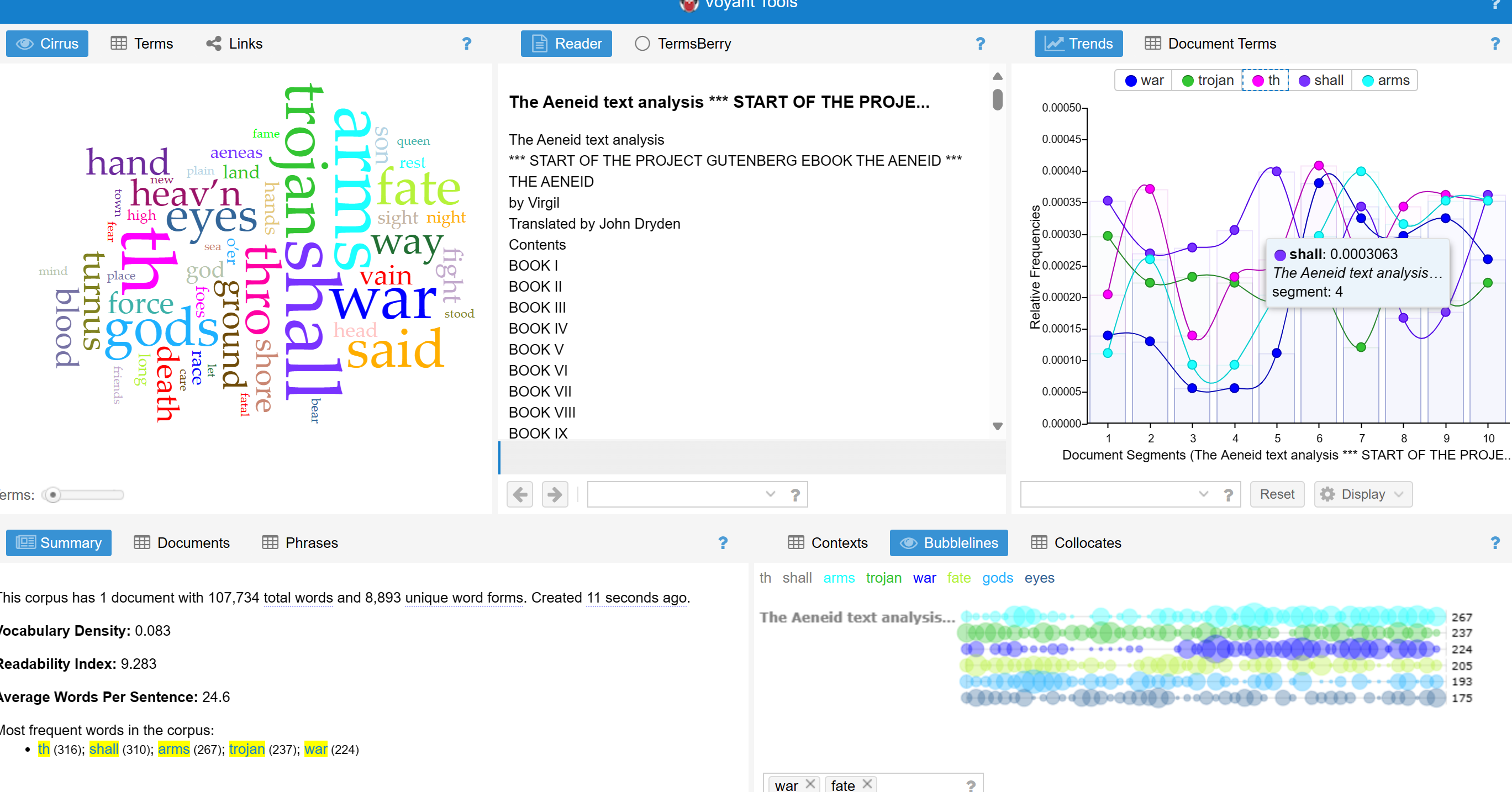
The Aeneid
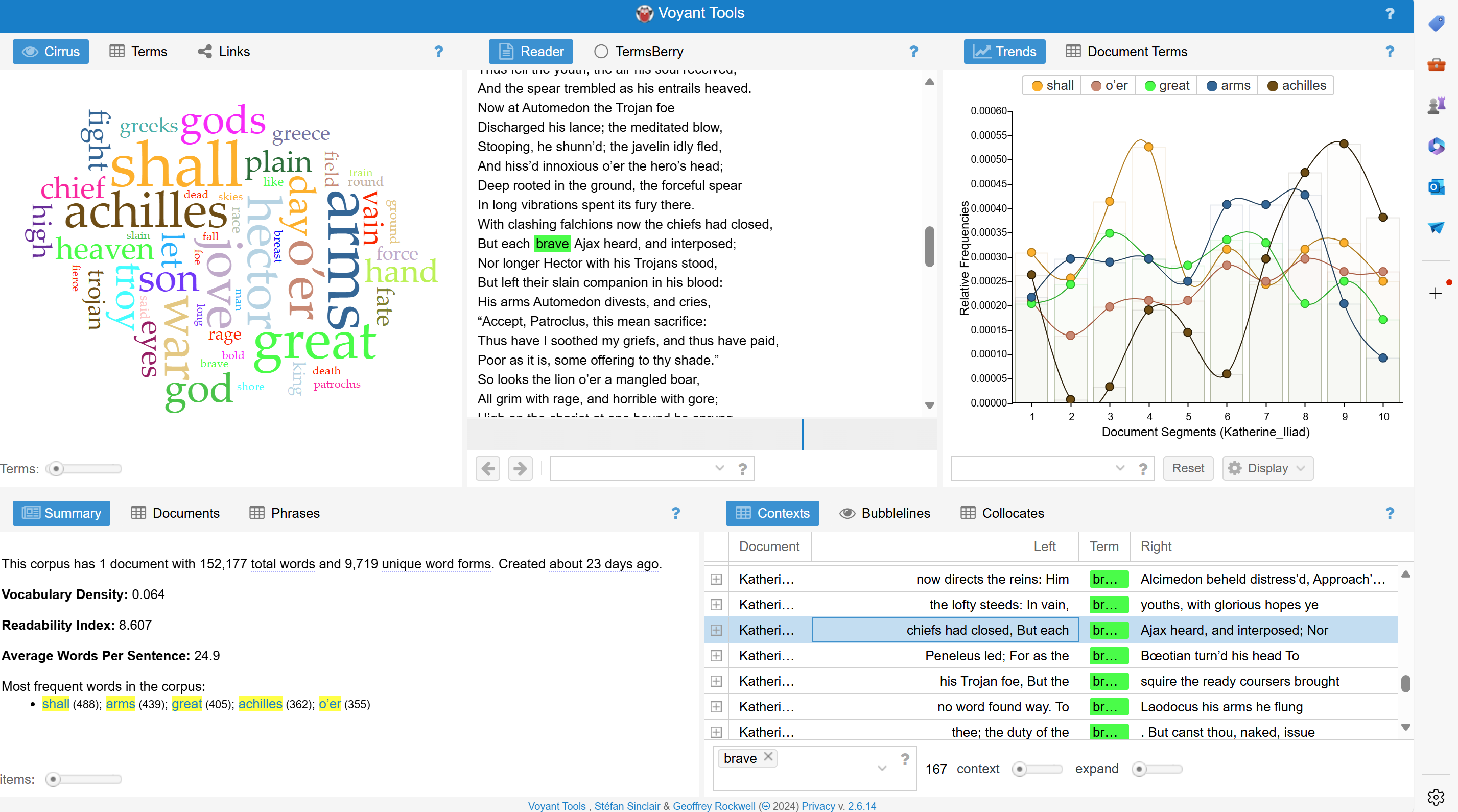
The Iliad
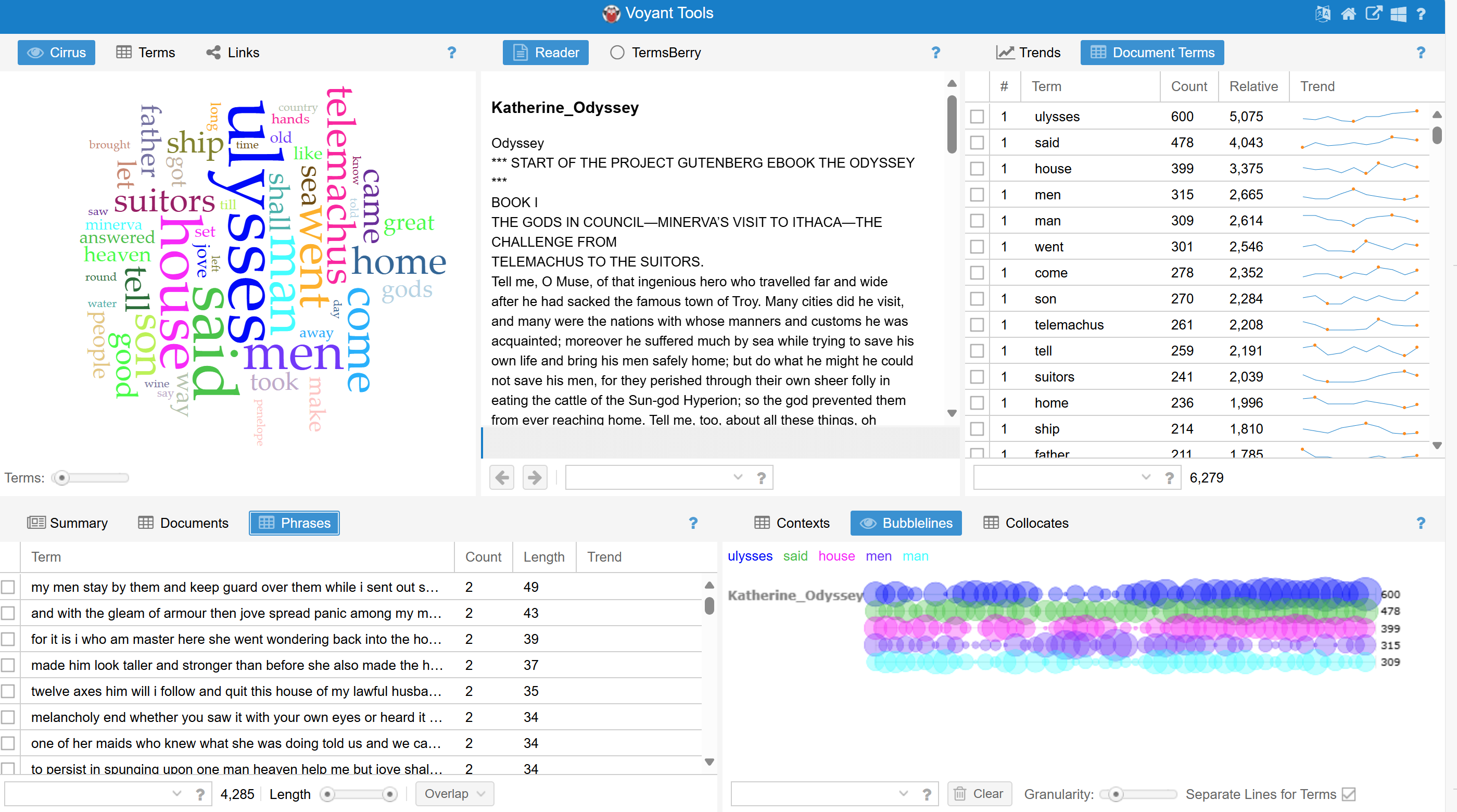
The Odyssey